Basics of OptoMap
- Explain to patient: "This instrument takes a picture of the back of the eye (retina) without the use of dilation drops (drops include side effects as near blurriness and light sensitivity for 4-6 hours)."
- Disinfect the area on the Optos where the patient's face is positioned.
- Position the patient's face and click on the clicker to capture the image.
- Adjust the brightness of the image if needed.
- Save the retinal photo if the image is clear and not obstructed.
- Repeat steps 1-5 for other eye
- Save the images under the patient's name.
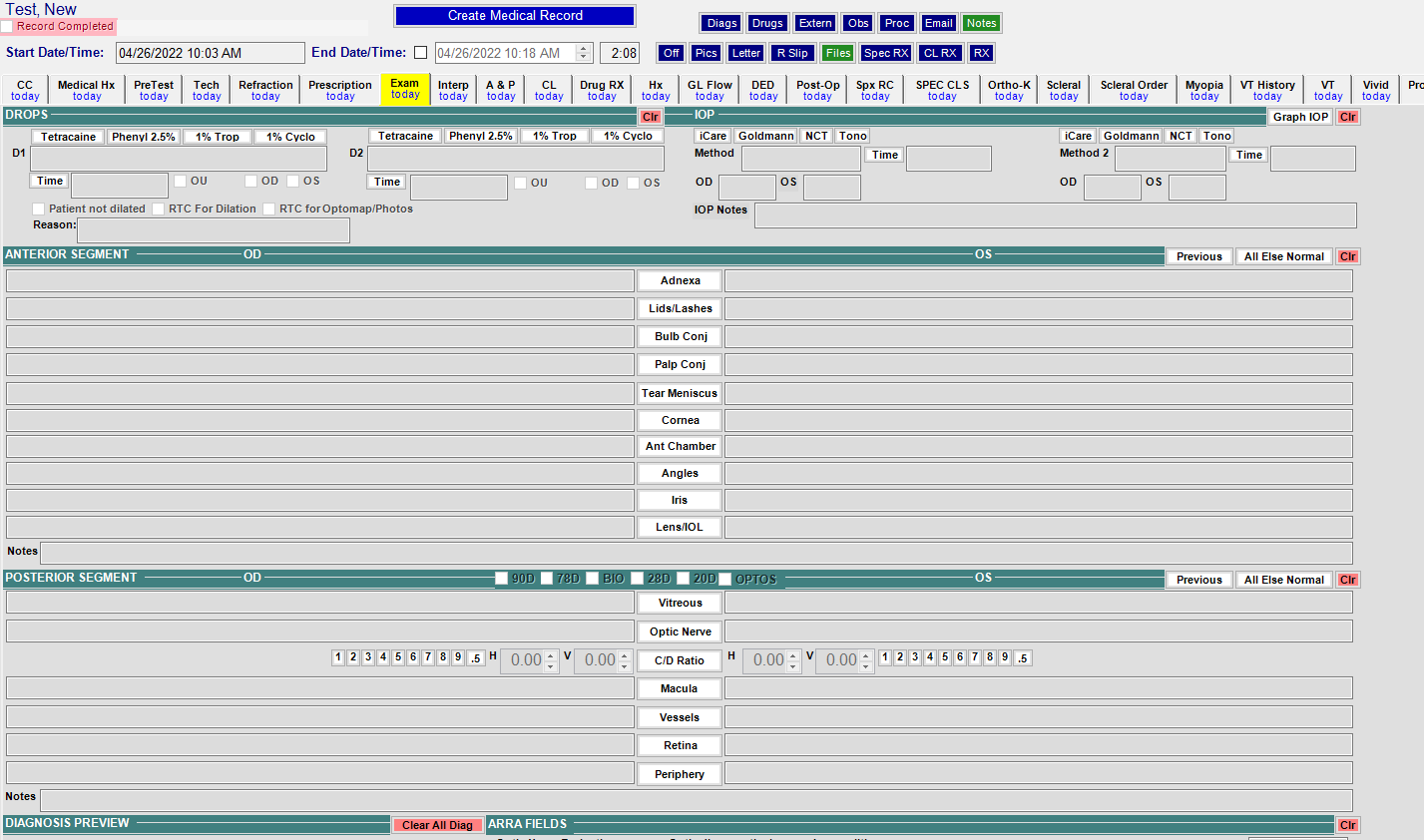
Below Posterior Segment
- Select Optos when performed
